™
Key takeaways
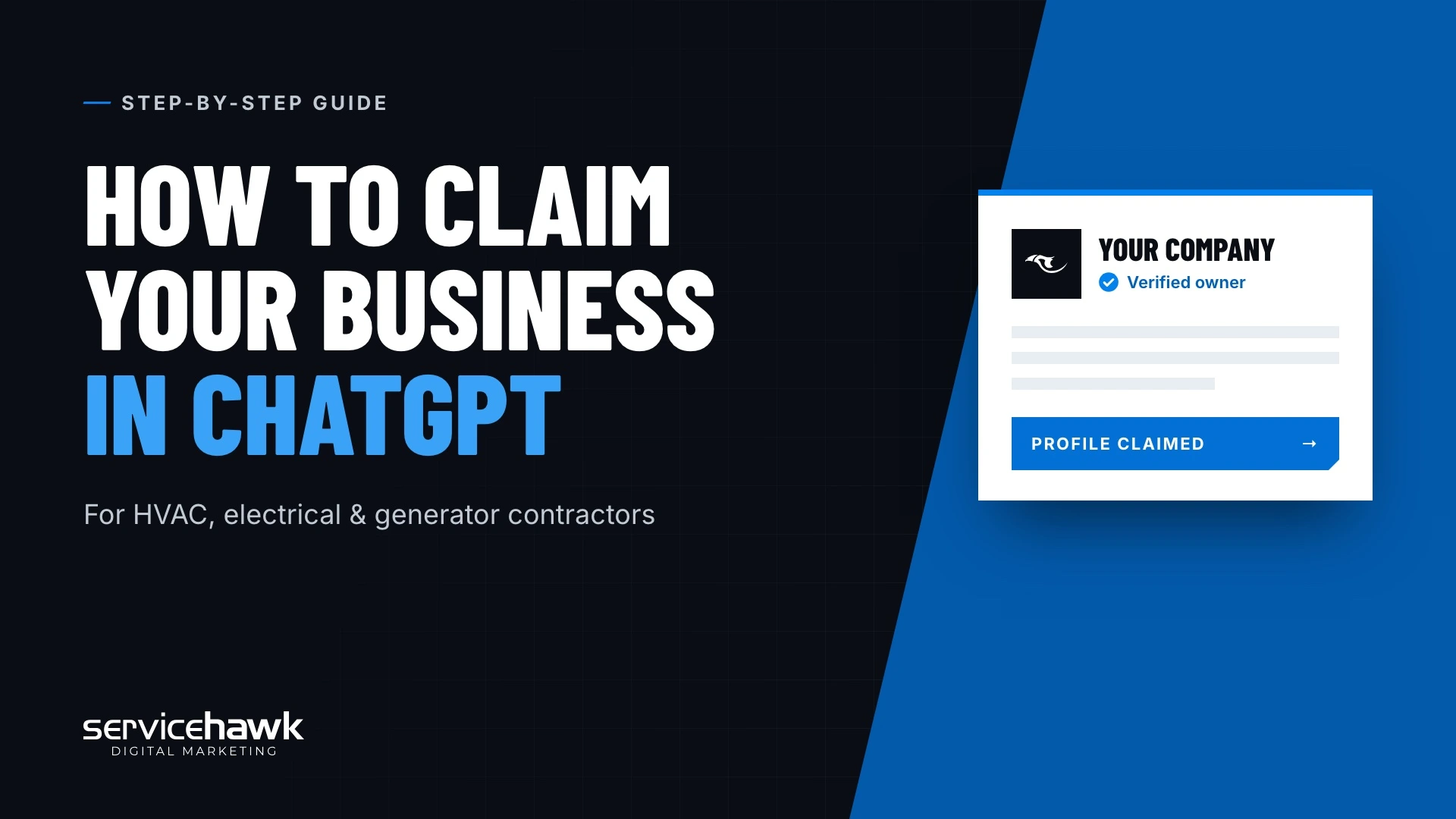
- OpenAI launched Businesses in ChatGPT in beta on November 10, 2026. Business Hub is where you claim your business, manage its information and see insights.
- Claiming is easy. Ours took about 15 minutes. Give it up to a couple of business days if you verify through your website.
- The business owner should claim it. Not an employee, not a past web designer, and not an agency. That includes us.
- Treat it exactly like your Google Business Profile: you own it, and you invite the people who help you manage it.
- Claiming does not guarantee you show up more. It gives you control, a verified profile and data. That is still worth 15 minutes.
What is “Businesses in ChatGPT”?
It is ChatGPT’s version of a business profile. OpenAI announced Businesses in ChatGPT on November 10, 2026, as a beta. The same announcement says 1.2 billion people use ChatGPT each week.
The place you manage it is called Business Hub. OpenAI describes it as where businesses can claim their business, manage their information and see insights.
If you have ever claimed a Google Business Profile, this will feel familiar. You find your listing, prove the business is yours, prove you are who you say you are, and then fill in the details.
Why should a contractor claim their ChatGPT profile?
Because homeowners are already asking ChatGPT who to call, and right now the answer about your company is being written without you.
Here is what claiming gets you, according to OpenAI’s own help article and policy:
| What you get | What it means for you |
|---|---|
| Control of your details | You set your website, description, category, logo and cover photo instead of leaving it to whatever ChatGPT found elsewhere. |
| A verified blue check | It appears after your identity verification is approved. Claiming alone does not add it. |
| Insights | Activity over the past 28 days, including how often ChatGPT mentioned your business and how many website clicks it sent you. |
| Access for your team | The admin can add teammates and grant an agency access to manage the business. |
What claiming does not do
We want to be straight about this, because you will see it oversold.
OpenAI is clear: “ChatGPT continues to make independent recommendations and comparisons. Claiming does not guarantee higher placement or sales.” It also says claiming a profile does not change its visibility in ChatGPT.
So this is not a ranking trick. It is ownership. You are making sure the information is right, the profile is verified, and the keys are in your hands before this channel gets crowded.
That is the same reason we tell every client to own their Google Business Profile. You do not wait until a listing is wrong, or until someone else controls it, to care who owns it.
Who should claim it: you or your agency?
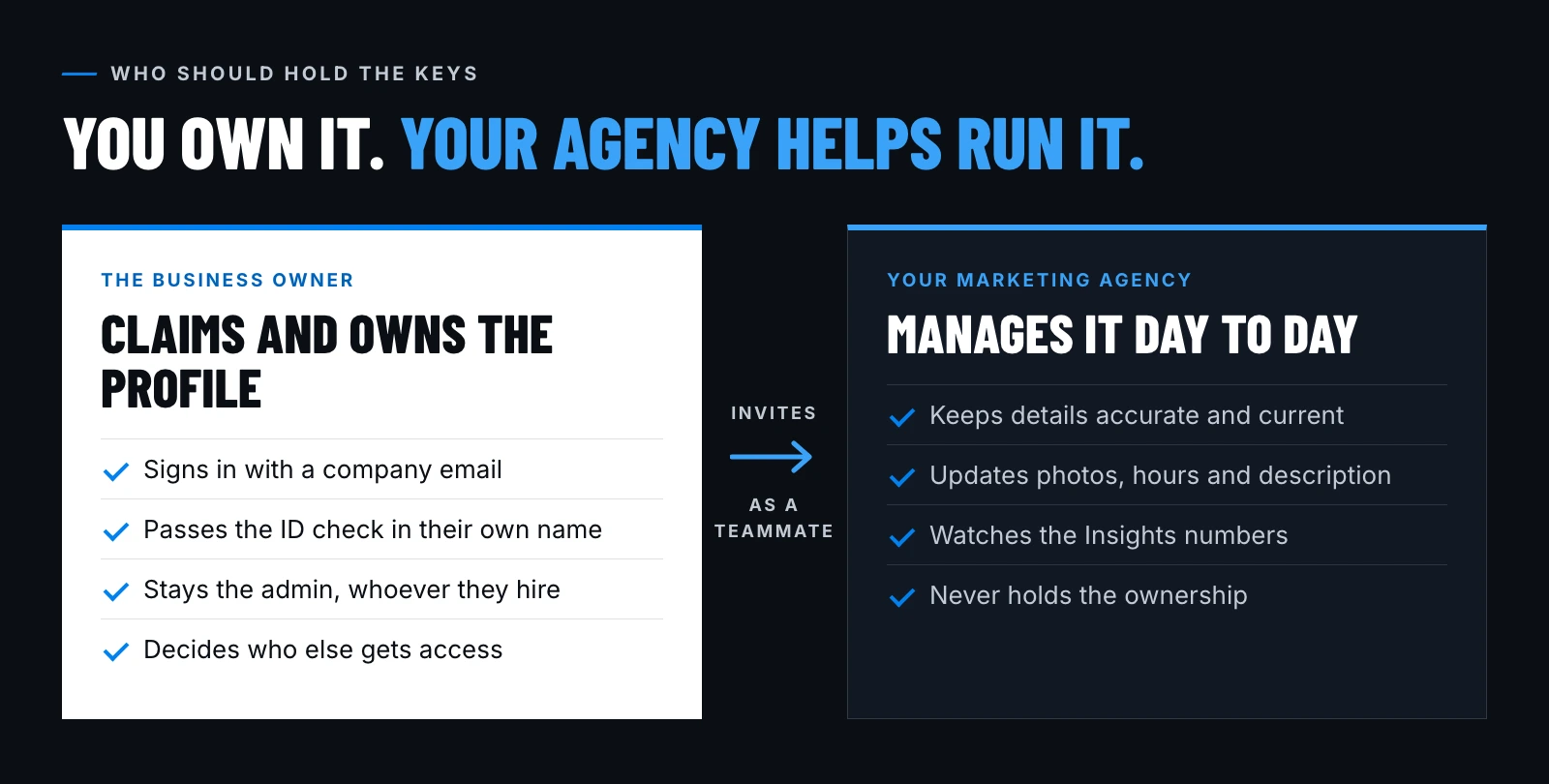
You. We feel strongly about this, and we are an agency.
Three reasons:
- The account that claims the business becomes its admin. If an agency or an employee claims it on their own login, they hold your profile. If you part ways, you are asking them for your own listing back.
- The identity check is personal. You will scan a government ID. That should be the owner’s ID, tied to the owner’s account.
- It costs you nothing to share. Once you own it, you can invite your agency to manage it. You get the help without giving up the ownership.
Use a company email you control to create the account, not a personal address and not one that belongs to a staff member who might leave.
How do you claim your business in ChatGPT, step by step?
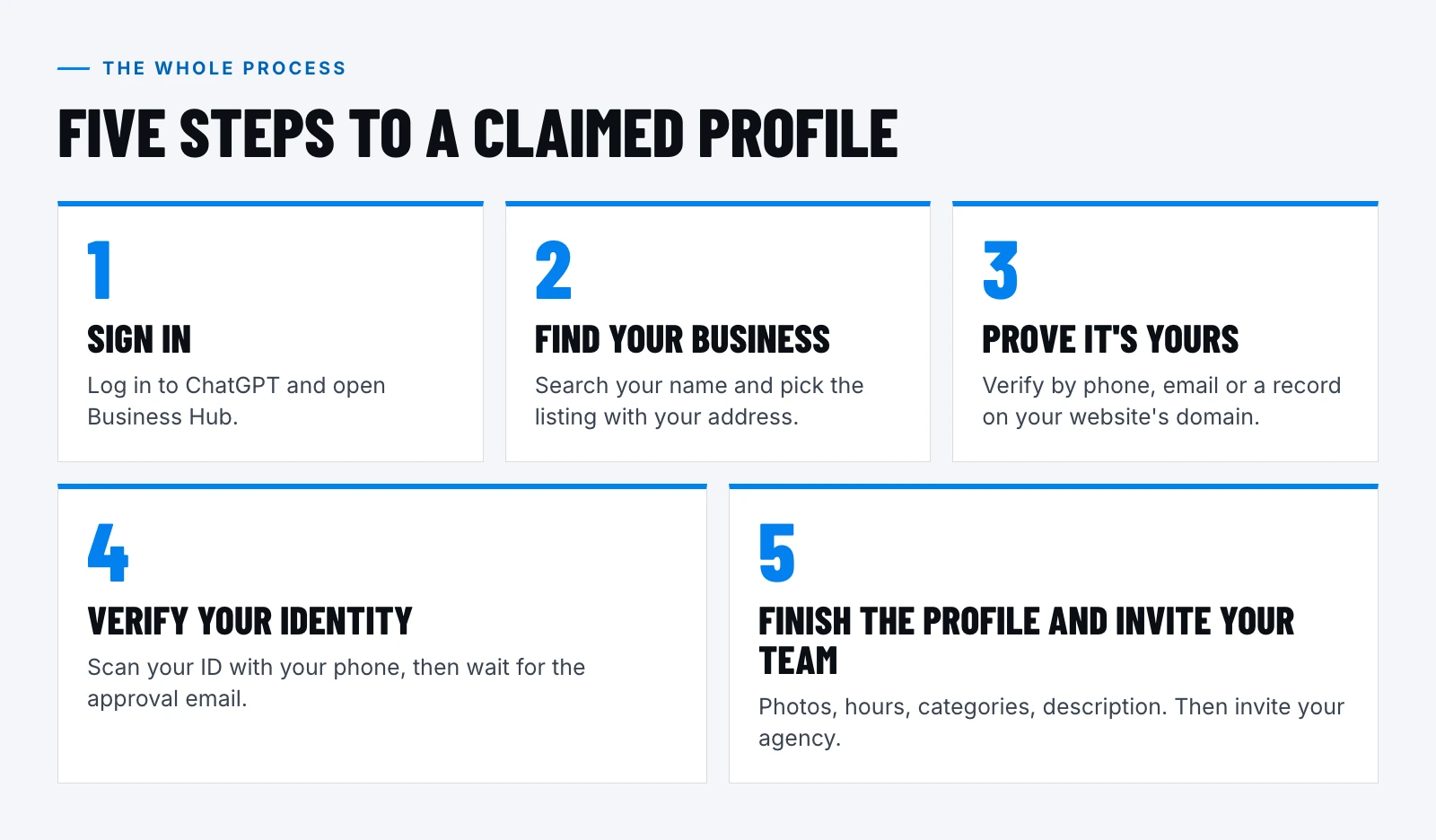
Here is the whole process at a glance, then each step in detail. These are the steps we went through when we claimed ServiceHawk’s own profile, checked against OpenAI’s instructions.
Before you start
Have these within reach:
- A ChatGPT account on a company email you control
- Your business phone, or access to your business email
- A login for wherever your website’s domain is managed, if you plan to verify by website
- Your driver’s license or another government-issued ID
- Your phone, for the ID scan
OpenAI says you may also be asked for business registration information and proof that you are authorized to represent the business.
Step 1: Sign in and open Business Hub
Create a ChatGPT account if you do not have one, and log in. Then go to chatgpt.com/business-hub. You can also open Business Hub from the ChatGPT sidebar.
Step 2: Search for your business
Search for your business by name and choose the listing that matches your address. Confirm that the account you are signed in with is the one you want to own the profile.
If nothing comes up, try your legal name and your trade name. OpenAI says local businesses can currently claim only an existing U.S. listing.
Step 3: Prove the business is yours
ChatGPT will show you the verification methods available for your listing. OpenAI notes that the options vary by listing. These are the ones it describes:
| Method | How it works | Best for |
|---|---|---|
| Business phone | A code by text message or an automated call to your listed number. | Shops where a person answers the main line. |
| Business email | A code sent to the email address associated with your business. | Anyone with access to that inbox. |
| Website domain | You add a TXT record that ChatGPT gives you to your domain’s DNS, then click Verify domain. | Shops with an auto attendant or answering service. |
| Shopify | You connect your store. | Online stores. Most contractors can skip this. |
If an auto attendant or answering service picks up your main line, do not pick the automated call. A phone tree cannot read a code back to you. Choose the website option instead.
The website option, in plain terms. ChatGPT gives you a short line of text called a TXT record. It has to be added where your domain is managed. Nothing on your website changes and visitors never see it. It is simply a way to prove you control the domain.
If you are a ServiceHawk client, send those records to us at hello@servicehawk.io and we will add them for you. You still own the claim. We are only doing the technical part.
The website route is the slow one. A new record can take a couple of days to be picked up, so do not worry if Verify domain does not pass right away.
Step 4: Verify your identity
This is the part that surprises people. After the business is verified, you are asked to prove who you are.
For us it went like this:
- Scan your driver’s license. You can use your phone camera to do it.
- Complete a face scan. In most cases it asks for this right after the license.
Yes, we know. Handing your license and your face to an AI company feels like a lot. OpenAI runs this check through an identity verification company called Persona, and its help article says you need to complete it before you can publish changes to your profile. It is also the step that earns the verified blue check. If you want the profile, this is the price of admission.
Then you wait for the approval email. Ours came through in about 15 minutes. It can take a couple of business days. OpenAI’s only commitment is that “review time varies” and that it will email you a decision or a request for more information.
Step 5: Finish your profile
Once you are approved, a setup wizard walks you through the rest. Here is what we filled in:
- Photos. Add a few real photos of your business: your trucks, your team, your work.
- Contact information. Check that your phone, website and address are correct.
- Email. When you confirm your email, a code is sent to it. Enter the code to continue.
- Business hours. Set them to match what is on your website and your Google Business Profile.
- Categories. Choose the ones that describe what you actually do.
- Description. Write a clear one. More on that below.
That is it. You are done.
How to write a description that helps
Write it for a homeowner who has never heard of you, and for an AI that is deciding whether you are a match for the question it was asked. Say plainly:
- What you do: for example, AC repair, panel upgrades, whole-house generator installation
- Where you do it: the cities and parishes or counties you serve
- What sets you apart, in facts: years in business, licenses, brands you install, emergency hours
Keep it consistent with your website and your Google Business Profile. The same name, phone, address, hours and services everywhere is one of the most useful things you can do for AI search, and it is the foundation of good local SEO too.
How do you give your agency access without giving up ownership?
Invite them as a teammate. OpenAI built this in: the admin who claimed the business can add teammates in Business Hub and grant an agency access to manage the business.
- Open your business in Business Hub.
- Click the Invite button at the top right of the screen.
- Enter the email address of the person or agency you want to add.
If you are a ServiceHawk client, invite hello@servicehawk.io. We will manage the profile for you while you keep full ownership.
The person you invite needs their own ChatGPT account. You stay the admin.
What should you do after you claim it?
- Look at your Insights. They show mentions and website clicks over the past 28 days. OpenAI notes that Insights only appear once there is enough activity to meet its thresholds, so a newer or smaller profile may not see numbers right away.
- Keep it current. New hours, a new phone number or a new service area should be updated here on the same day you update Google.
- Keep working on what ChatGPT actually reads. Your profile is one input. Your website, your reviews and how consistently your business is described across the web still matter. We covered that in how contractors get found beyond Google.
- Expect changes. This is a beta. Screens and steps may look different a few months from now. OpenAI’s help article is the place to check for the current version.
Our take
We think this is a must for every home service business. Not because it will flood your phone next week, but because this is where a growing share of homeowners will ask who to call, and the businesses that own a verified, accurate profile early are in the best position.
It took us about 15 minutes. Claim it yourself, keep the ownership, and bring in help to manage it.
Sources
- OpenAI, Introducing Businesses in ChatGPT (November 10, 2026)
- OpenAI Help Center, Setting up your business on ChatGPT
- OpenAI, Businesses in ChatGPT product page
- OpenAI, Businesses in ChatGPT policy