™
™
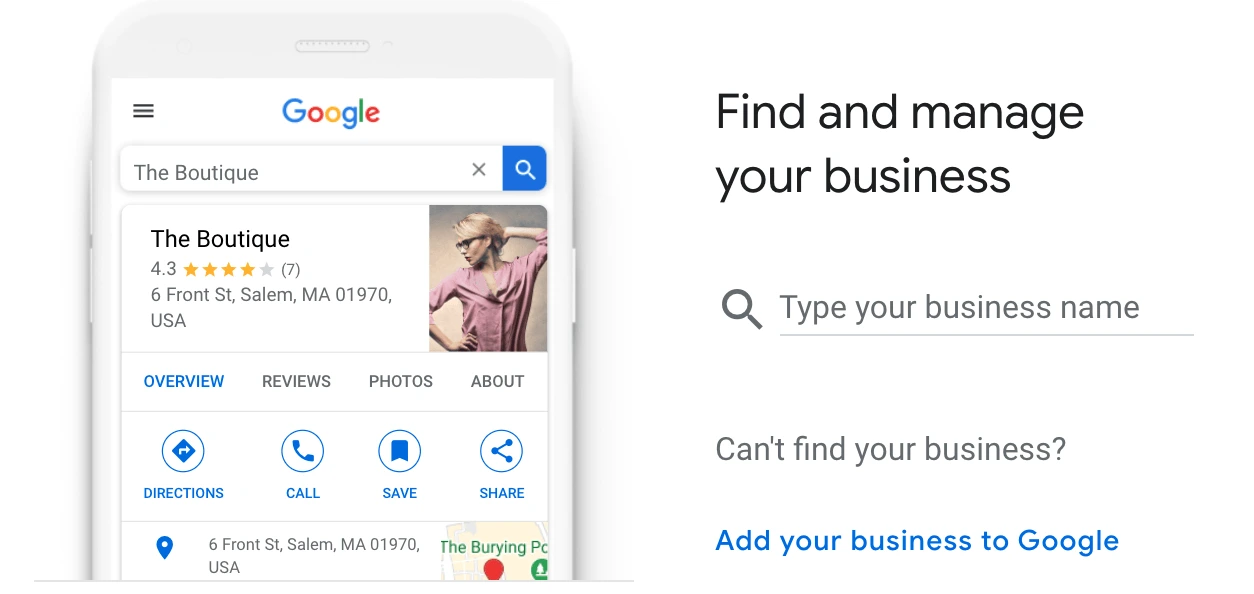
Today we are going to be looking at Google My Business. If you are not familiar with or haven’t heard that term before, Google My Business is basically an online business information webpage, that Google gives away for free.
You don’t need to put “A1” or “AAA” at the front of your business anymore to get to the front of the yellow pages. There are no fees to get listed on Google, like the old-fashioned Yellow Pages you grew up listing your business in.
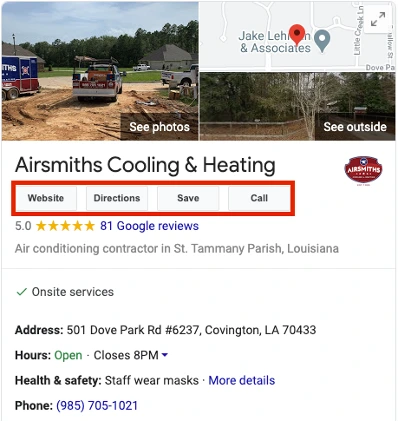
Google My Business profiles are dynamic and made specifically for businesses, allowing customers and leads to:
-
Request Directions
-
Find your phone number See pictures of your business and products
-
And be directed to your website if you have one.
Think of this online profile as free marketing. You are able to list your business on the map of the most popular search engine in the world, and it cost you nothing. Customers can come to leave you reviews and comments, and you can even activate a Click-to-Call feature to get even more phone calls.
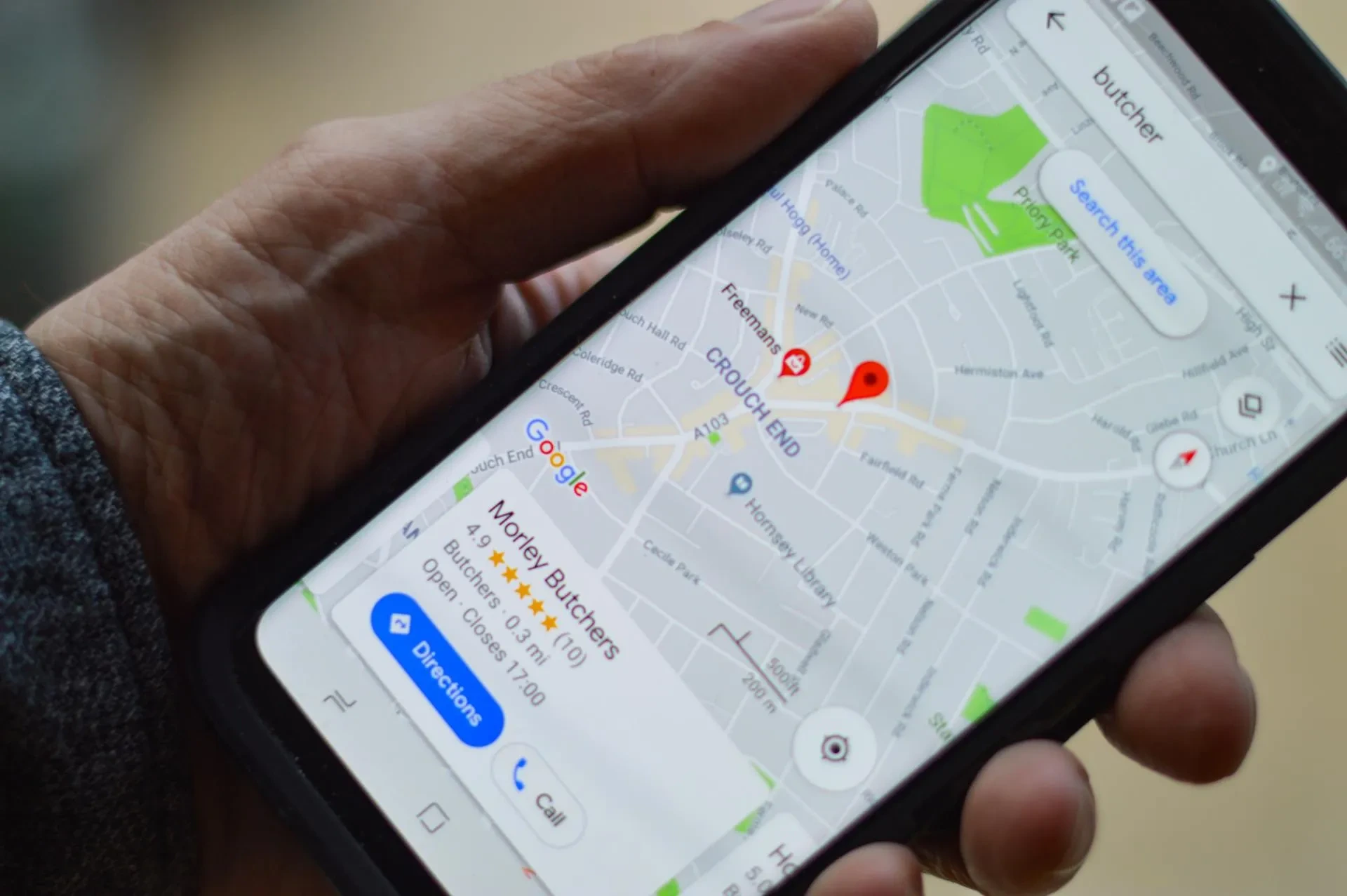
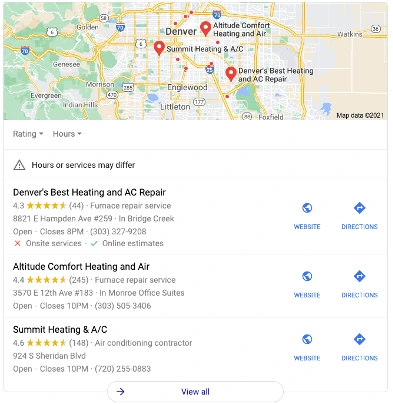
One of the best features is that Google knows where your customers are when they are searching for Local Services. The search results will display on a map like a “near me” search. This is when having your free Google My Business profile is the most advantageous.
Businesses related to the search will show up marked on the maps, meaning if you have a profile, you have a higher likelihood of being clicked on those competitors who don’t have a Google My Business page.
Steps to Claim and Verify your Google My Business profile page:
1. Make sure you have a standard Google Account for your business.
2. Make sure you have a Business Profile.
3. Create a Google My Business account.
4. Request to claim your Business Profile.
5. Verify ownership of your business.
First Steps To Claim & Verify:
Go to https://business.google.com/create
Find your business or create a new one
Use a @gmail address of Google Workspace For Business
Once you start to create a new profile you will type the name of your business then it will prompt you to fill in the address of your business.
In order for Google to know that you are the authorized person in charge of your business, they have added a security step, Verification. The most common form of verification is to send a postcard to your listed business address with a code on it. The postcard arrives in about 5-7 business days.
Once you receive the postcard in the mail with your verification code on it, you are going to:
- Sign back into your Google My Business profile
- Select “Info” on the left-hand menu
- Click “Verify”
- And then enter the code from the postcard.